
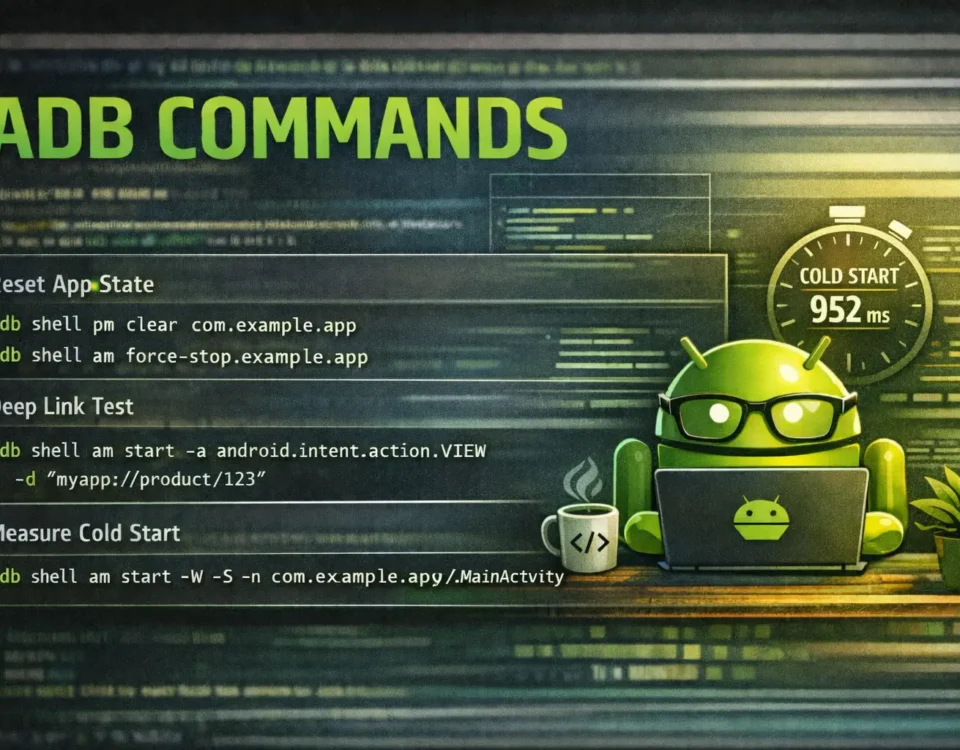
Stop Clicking Around: The ADB Commands That Save Me Hours
When you ship Android apps, you quickly learn that some tasks are either painful (too many taps) or inconsistent to reproduce from UI. ADB makes these workflows deterministic and fast—especially when you’re debugging, doing QA, or validating regressions.
Below is my “daily driver” ADB cheat sheet: commands I use constantly during development and troubleshooting.
Prerequisites (If you use real device)
- Enable Developer options on the device
- Enable USB debugging
- Verify connection:
adb devices -lIf you see your device listed, you’re good.
1) Reset app state (clean repro)
The fastest way to reproduce issues from a truly clean state.
adb shell pm clear com.example.app
adb shell am force-stop com.example.app
pm clearwipes app data and cacheam force-stopkills the app process and prevents immediate background restart
2) Install / reinstall (fast iteration)
Useful when you’re testing local builds repeatedly.
adb install app.apk
adb install -r app.apk
adb install -r -d app.apk
adb install -g app.apk -rreinstall while keeping app data (not always guaranteed across all scenarios)-dallow version downgrade-ggrants runtime permissions at install time on supported Android versions
3) Deep link & intent testing (no manual tapping)
Perfect for verifying navigation, attribution, onboarding links, etc.
adb shell am start -a android.intent.action.VIEW -d "myapp://product/123"Start a specific Activity with extras:
adb shell am start -n com.example.app/.MainActivity --es "source" "adb" --ei "id" 123--esstring extra--eiint extra
4) Logcat focused on your app (less noise)
Clear logs, then filter by the app PID:
adb logcat -c
adb logcat --pid=$(adb shell pidof com.example.app)
This is one of the quickest ways to reduce noise when hunting crashes or edge-case flows.
5) Disable animations (speed up QA/UI tests)
adb shell settings put global window_animation_scale 0
adb shell settings put global transition_animation_scale 0
adb shell settings put global animator_duration_scale 0
6) Toggle network quickly (failure scenarios)
adb shell svc wifi disable
adb shell svc wifi enable
adb shell svc data disable
adb shell svc data enable
7) Measure cold start time from terminal
Look for:
ThisTimeTotalTimeWaitTime
In many teams, TotalTime is the number tracked across builds (but always compare on the same device + similar thermal/battery conditions).
for i in 1 2 3 4 5; do
  adb shell am start -W -S -n com.example.app/.MainActivity | grep -E "ThisTime|TotalTime|WaitTime"
done
My favorite QA loop one-liner
Install, reset state, start:
adb install -r -g app.apk && \
adb shell pm clear com.example.app && \
adb shell am start -n com.example.app/.MainActivity