Claude Code CLI Windows nul File Bug: Causes, Prevention, and Proper Fixes
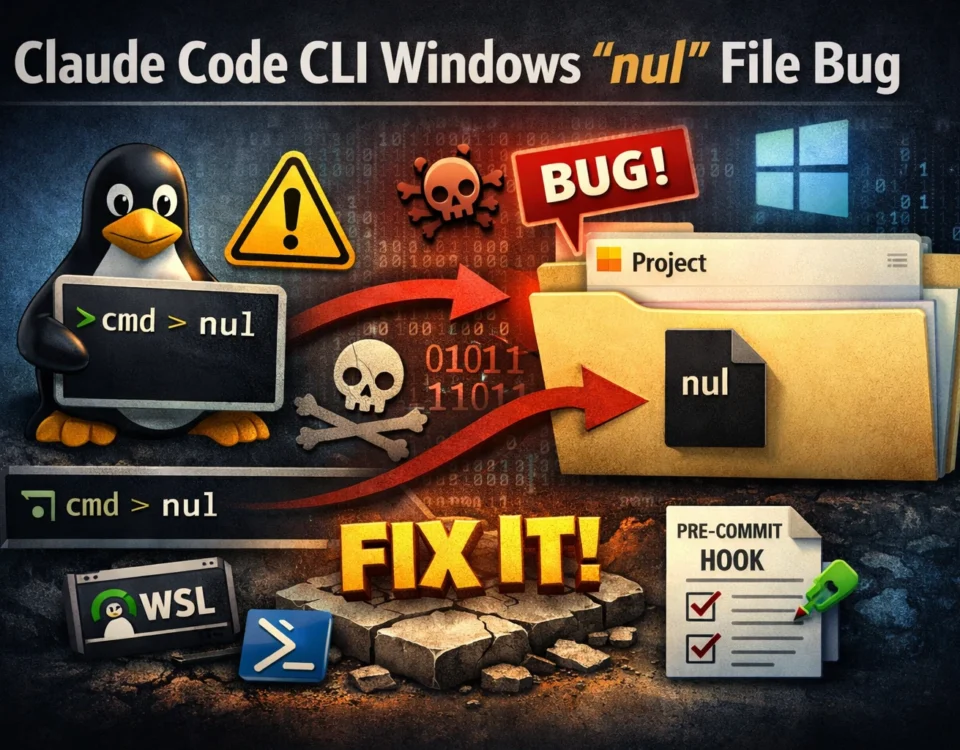
Claude Code CLI has a known Windows-specific bug where a file named nul is unexpectedly created inside a project directory.
This file is difficult to delete, can break repositories, and often confuses developers.
This article explains why the bug happens, why some shells prevent it, and how to permanently stop it from occurring again, including recommended safety hooks.
What Is the nul File Bug?
On Windows, NUL is a reserved device name, not a regular filename.
It represents a null output device, similar to /dev/null on Unix-based systems.
Claude Code CLI is built with Unix-first assumptions. During execution, it may attempt to suppress output using redirection like:
> nulIn native Windows shells, this is handled correctly.
However, in certain environments, this redirection is misinterpreted and results in a real file named nul being created.
This behavior is a bug caused by cross-platform shell differences, not user error.
Why Does This Bug Happen on Windows?
The bug occurs due to the interaction of three factors:
- Windows reserved device names (
nul,con,prn, etc.) - Bash-like shells on Windows (Git Bash, MSYS2, MinGW)
- Output redirection generated by Claude Code CLI
Bash-based shells on Windows introduce a Unix compatibility layer.
In that layer, nul may be interpreted as a literal filename, instead of a Windows device.
Result:
A real nul file is written to disk.
Is This an IntelliJ IDEA, VSCode or Any other IDEs Issue?
This bug is not IDE-specific.
It can occur in:
- IntelliJ IDEA integrated terminal
- VS Code integrated terminal
- Standalone Git Bash
- Windows CI runners using Bash
The common factor is always:
Windows + Bash-like shell + output redirection
How to Prevent the nul File Bug Permanently
1. Use WSL (Best and Cleanest Solution)
Running Claude Code CLI inside WSL (Windows Subsystem for Linux) completely eliminates this issue.
Why it works:
- No Windows reserved filenames
- Native
/dev/nullsupport - Full Unix compatibility
Best practice:
Store the project inside /home/...
Run Claude Code only from WSL
This is the most reliable long-term solution.
2. Avoid Git Bash on Windows (Critical)
Most nul file reports involve Git Bash.
If you must run Claude Code natively on Windows:
- Prefer PowerShell
- Or cmd.exe
Avoid Bash-based shells whenever possible.
3. Enforce Shell-Specific Null Redirection Rules
Claude Code behaves correctly when given explicit constraints.
Use the correct null target per shell:
| Shell | Correct null target |
|---|---|
| Bash | /dev/null |
| PowerShell | $null |
| cmd.exe | nul |
Document these rules clearly in your project (README.md or CLAUDE.md) to prevent incorrect redirection.
4. Add a Safety Hook (Strongly Recommended)
Even with correct shell usage, accidents happen:
- Someone opens Git Bash
- A CI runner changes shell
- A script behaves unexpectedly
Add a hook to block Windows reserved filenames.
Example Pre-Commit Hook
#!/bin/sh

for f in nul con prn aux com1 lpt1; do
  if [ -e "$f" ]; then
    echo "ERROR: Windows reserved filename detected: $f"
    exit 1
  fi
done
This ensures:
- The bug cannot silently corrupt the repository
- Reserved filenames never reach version control
This is considered best practice in team environments.
Optional Cleanup (Not Preventive)
cmd /c 'del "\\?\%CD%\nul"'This uses the Windows extended path prefix to bypass device name resolution.
Note: This is a cleanup step, not a prevention strategy.